When a tutorial is built on a slide deck, the medium offers unique ways to shape attention, pace information, and embed visual cues. The challenge is to move beyond a simple series of bullet points and create a flow that feels more like a guided experience than a static lecture. Below are several practical ways to shape slides into learning tools that keep the audience involved from start to finish.
Start with a learning roadmap
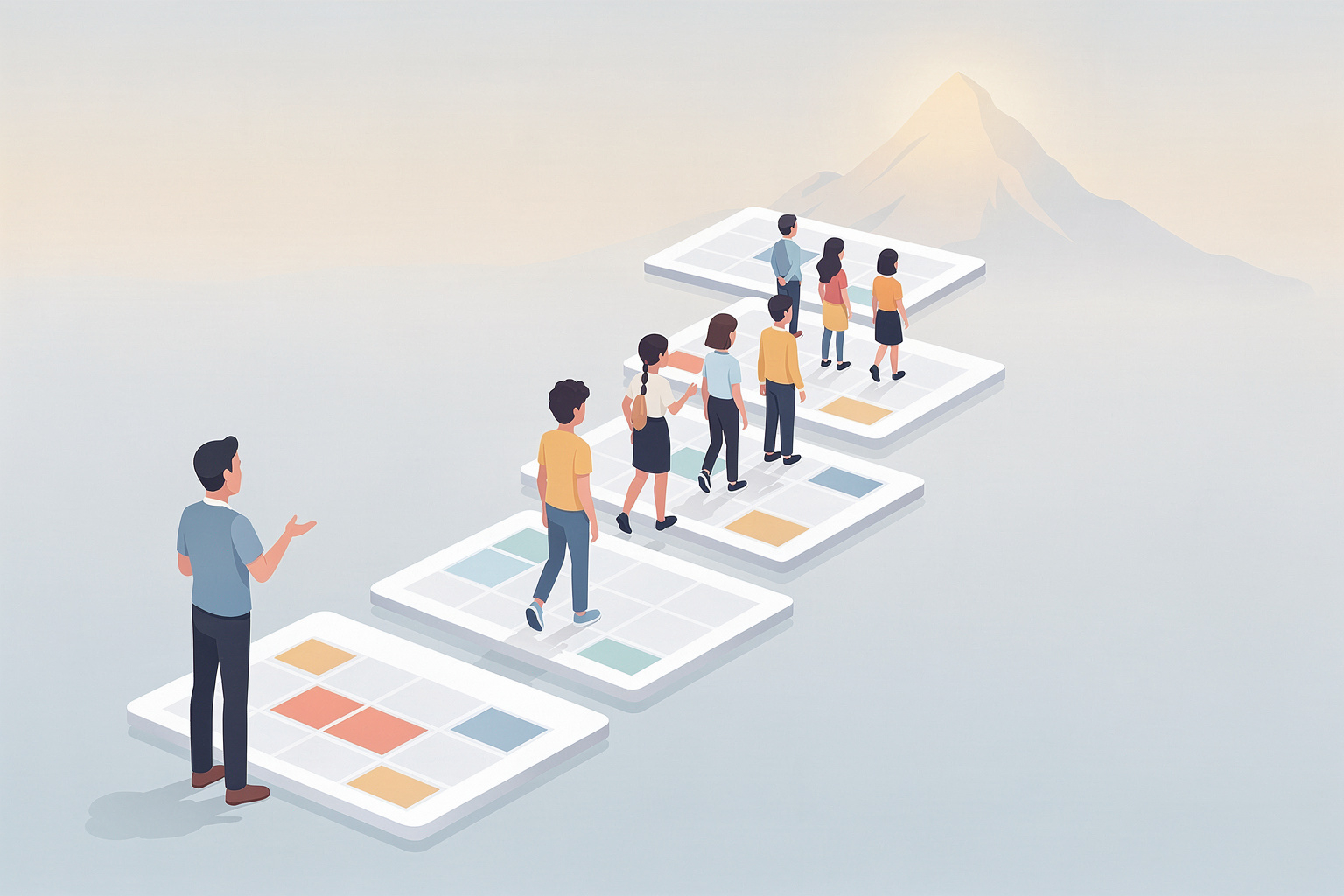
A clear roadmap frames the session. Rather than diving straight into content, the first few slides lay out what learners will be able to do by the end. This sets expectations and gives the audience a mental marker for progress. A visual timeline or a set of icons can illustrate the sequence of concepts without relying on dense text. The roadmap repeats later, reminding viewers where they are in the larger picture.
Use narrative arcs to connect concepts
Stories are not exclusive to fiction; they help organize technical material. Introduce a problem that mirrors a real‑world scenario, walk through the steps taken to resolve it, and conclude with results that tie back to the initial learning goal. Each major slide acts as a scene, with a premise, a conflict, and a resolution. This structure keeps learners oriented and shows the relevance of each point.
Pace information with visual hierarchy
Slides that cram many ideas overwhelm the eye. Instead, allocate separate slides for distinct ideas and use visual hierarchy—size, color, whitespace—to signal importance. A single, well‑chosen graphic can replace a paragraph of description. When a diagram appears, pause briefly to let the audience absorb the layout before adding annotations. This deliberate pacing mirrors the cadence of a conversation, allowing time for comprehension.
Embed active moments throughout
Interaction need not be limited to a Q&A at the end. Insert short, low‑stakes tasks such as a poll, a think‑pair‑share prompt, or a quick code snippet to type out. These moments break a long visual stream and give learners a chance to apply what they have just seen. Even a single slide that asks, "What would happen if you changed this parameter?" encourages the brain to test the idea actively.
Reinforce key takeaways with spaced repetition
Human memory benefits from revisiting concepts at intervals. After covering a cluster of ideas, return to a slide that summarizes the core points in a different format—perhaps a concise table, a mind map, or a short video. Later, during a case‑study segment, reference those same points, showing how they fit into a broader context. This layered approach strengthens retention without adding extra content.
Design slides for accessibility and clarity
Readability begins with font choice, contrast, and layout. Sans‑serif fonts at a minimum size of 24 pt ensure legibility in a typical conference room. High contrast between text and background reduces strain, and alt‑text for images supports screen‑reader users. When a slide contains a complex chart, accompany it with a brief verbal description that captures the essential trend.
Conclude with actionable next steps
The final segment should translate learning into practice. Provide a short checklist, a link to a starter repository, or a prompt to recreate a demonstrated technique. A concrete call to action bridges the gap between theory and real‑world use, giving learners a clear direction for continuing their development.
Reflect on the design process
Creating an instructional slide deck is iterative. Review recordings of previous sessions, note moments where attention slipped, and adjust pacing accordingly. Solicit feedback from participants about which visual aids helped most. Over time, the deck evolves from a static presentation into a dynamic learning module.
Designing tutorials as presentations invites educators to think of each slide as a stepping stone rather than a destination. By mapping learning goals, weaving narratives, controlling visual flow, inserting active pauses, reinforcing ideas, and ensuring accessibility, a slide deck can become a living classroom. The result is a tutorial that respects the audience's time, engages the mind, and leaves a clear path forward.