The Basics: Calibrating Your Display
Imagine your display as an actor on a stage—calibration is about adjusting the lighting, set, and directorial cues to bring it to its natural state. Calibration focuses on optimizing hardware settings like brightness, contrast, gamma, and color temperature to ensure the screen operates within a predictable, neutral baseline. Without calibration, even the most advanced display can misrepresent colors, making reds appear burnt and blues look washed out. A hardware device like a colorimeter or spectrophotometer is essential here, measuring the display's output against ideal standards (typically D65 white point at 120 cd/m² for professional work) and guiding adjustments to eliminate inconsistencies.
Decoding Display Profiling
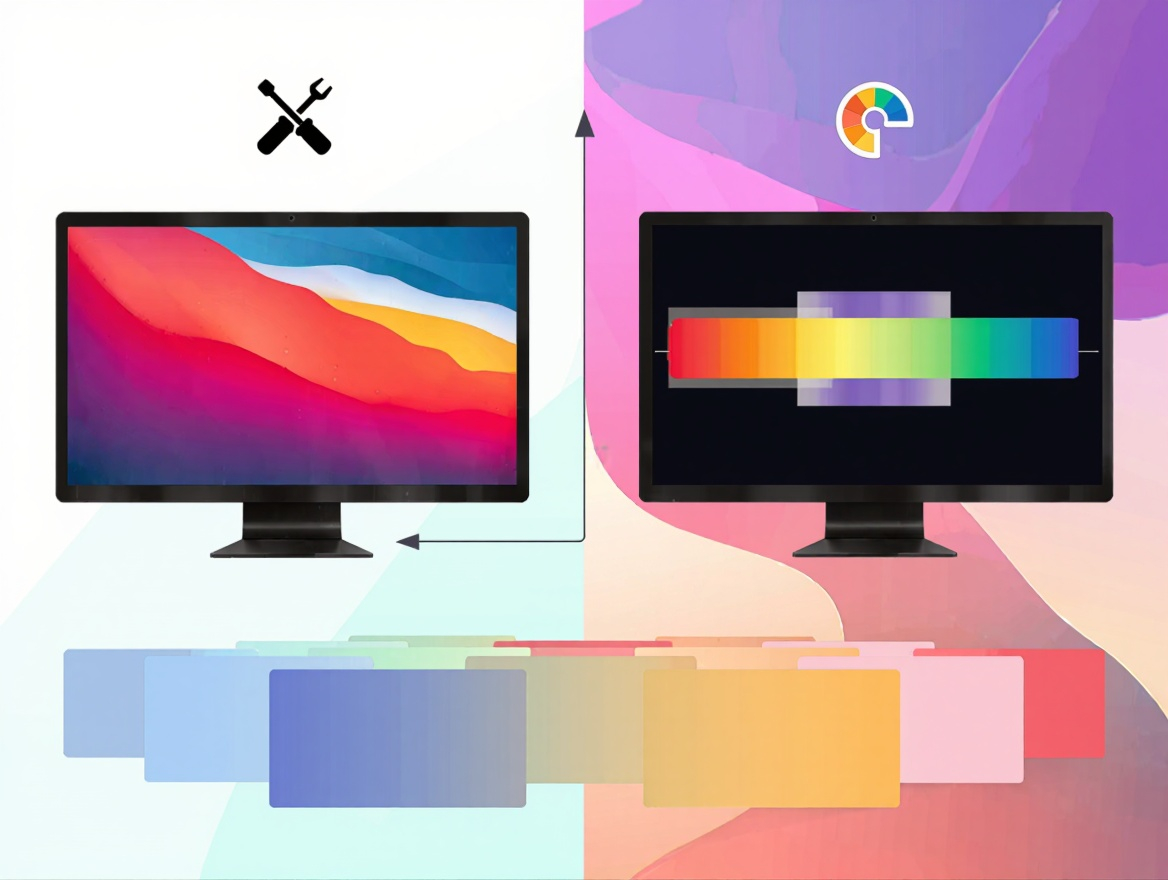
Profiling is the meticulous process of mapping your display's actual output to a standardized color space. While calibration sets the stage, profiling is the script that instructs your operating system and software on how to translate colors accurately. When you profile a display, you generate an ICC (International Color Consortium) profile—a digital fingerprint of the screen's capabilities. This profile allows your computer to compensate for any residual deviations in color gamut, brightness, or hue, ensuring that what you see on-screen matches the intended colors in your project. For instance, a photographer editing landscape photos in Adobe Lightroom relies on this profile to guarantee that the vibrant oranges of a sunset aren't dulled by their monitor's quirks.
Why Both Matter: Their Synergy
Calibration and profiling are two sides of the same coin, each indispensable to the other. Calibration ensures your display is as close to ideal as possible, while profiling acknowledges and corrects the inevitable imperfections that remain. Skipping calibration, even with a perfect profile, is like fine-tuning a car engine without making sure the wheels are aligned—efficiency plummets. Conversely, profiling a poorly calibrated display produces a digital mask over an already flawed foundation, leading to incorrect color interpretations. Together, they create harmony between hardware and software, turning your display into a reliable tool rather than a guessing game.
Step-by-Step: Calibrating and Profiling Correctly
- Preparation: Ensure your display is warm up for at least 30 minutes and set to its native resolution. Work in a controlled environment with minimal ambient light.
- Calibration: Use software like X-Rite DisplayCAL or proprietary tools from your display manufacturer. Adjust gamma to 2.2 (or 2.4 for video work), set contrast to maximum, and fine-tune brightness using the colorimeter until it hits the desired cd/m². Test color balance across red, green, and blue channels to achieve neutrality.
- Profiling: Run the same software to capture the display's color output. The tool will display a series of color patches and measure their accuracy, generating an ICC profile. Save this profile in your operating system's color management settings.
- Verification: Periodically recalibrate—monthly for critical work—to account for aging components or environmental shifts. Remember, even high-end displays drift over time.
Common Pitfalls and Pro Tips
Many artists and designers fall into the trap of treating profiling as a one-time fix, neglecting calibration's ongoing role. Another common mistake is using low-cost, uncalibrated tools that produce inconsistent results. Invest in a reputable colorimeter like the X-Rite i1Display Pro for precision. Additionally, avoid adjusting color settings via on-screen menus—let your calibration software handle it to prevent human error. For collaborative projects, share ICC profiles across team members to maintain color consistency, and always check your work on secondary displays to catch any profile-specific anomalies.
The Bigger Picture: Why Precision Matters
In fields like graphic design, film editing, or medical imaging, color accuracy isn't just about aesthetics—it's a necessity. A miscalibrated display can lead to costly mistakes, from misprinted brochures to misdiagnosed X-rays. Calibration and profiling bridge the gap between digital creation and physical reality, transforming subjective visual preferences into objective, reproducible results. By mastering both processes, creatives transform their displays from passive screens into trusted collaborators, ensuring their vision remains intact from concept to final delivery.