In our visually digital world, colors are more than just aesthetic elements—they're communication tools, brand identifiers, and emotional triggers. Yet, the same color can appear differently across various devices, browsers, and screens. This discrepancy isn't accidental; it's rooted in how browsers handle color management—a technical process that ensures consistent color reproduction across different platforms.
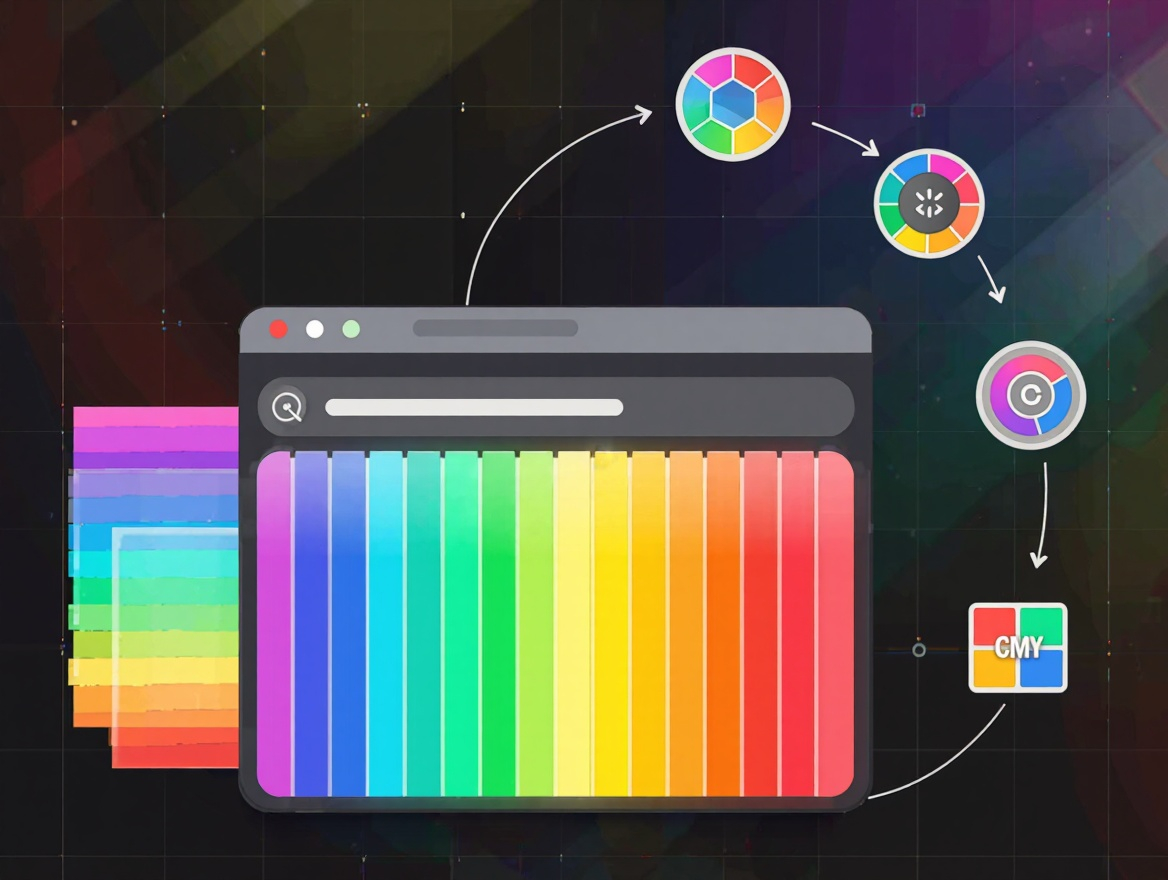
Understanding color management in browsers is crucial for web designers, developers, and digital content creators who need to maintain visual integrity across diverse environments. This exploration will demystify the complexities of how browsers interpret and display colors, why inconsistencies occur, and practical strategies to achieve more consistent results.
The Challenge of Color Display
At its core, color display is a translation process. Digital colors exist as numerical values (RGB, hex codes, etc.), but how these values translate to visible colors depends on the display device's characteristics. Every screen has its own color profile—a set of data that defines how it interprets color values.
Consider this: a vibrant red on a high-end professional monitor might appear dull or orange-tinted on a standard laptop screen. This variation occurs because different displays have different capabilities in reproducing color ranges, brightness levels, and accuracy.
The complexity increases when we consider that browsers must also account for ambient lighting conditions, operating system color settings, and even individual user preferences. All these factors contribute to why a perfectly designed color scheme can look inconsistent across different viewing environments.
Color Profiles in Web Content
Modern web content can include embedded color profile information through ICC profiles or specify color spaces using CSS color functions. These profiles provide browsers with instructions on how colors should be interpreted and displayed.
CSS now offers sophisticated color management tools like color() function with ICC profile support, device-cmyk() for print-accurate colors, and relative color syntax that allows for more nuanced color adjustments. These advancements give designers more precise control over how colors appear across different devices.
However, implementation varies across browsers and platforms. Not all browsers support advanced color management features equally, and older browsers may lack support entirely. This creates a landscape where technical capabilities exist but may not be consistently available to all users.
Browser Color Management Approaches
Different browsers handle color management in distinct ways. Some prioritize "what you see is what you get" (WYSIWYG) accuracy, while others focus on performance optimization or user experience preferences.
For instance, Safari has historically been more aggressive in color management, applying ICC profiles more strictly to maintain color accuracy. Chrome and Firefox have traditionally been more conservative, often prioritizing compatibility and performance over strict color fidelity. These philosophical differences contribute to why the same website can look subtly different across browsers.
Recent years have seen convergence as browser vendors recognize the importance of consistent color reproduction. The development of standards like CSS Color Module Level 4 reflects an industry-wide effort to provide more robust color management tools that work consistently across platforms.
Testing and Interpreting Results
Effective color management requires systematic testing across different browsers and devices. Tools like browser testing platforms, color simulators, and device farms help identify where discrepancies occur and how significant they are.
When testing colors, it's important to consider not just visual differences but also technical metrics like Delta E values, which quantify the perceived difference between two colors. What might look like a subtle variation to one person could be significant for brand consistency or accessibility compliance.
Interpreting test results requires understanding that some color variation is inevitable and acceptable. The goal isn't perfect consistency across all devices—which is technically impossible—but rather ensuring that colors appear within acceptable ranges that maintain the intended visual impact and brand identity.
Best Practices for Consistent Color Display
Achieving consistent color display involves a combination of technical implementation and practical strategies. Using relative color units allows for more adaptable color specifications that can better accommodate different display environments. Regular testing across multiple platforms helps identify potential issues before they reach users.
Being mindful that not all devices can display the full range of colors is essential. Designing with sRGB as a baseline when possible helps ensure broader compatibility. Maintaining clear documentation of color values, including color spaces and profiles used, ensures consistency across design and development workflows.
Educating clients and team members about the reality of color variation in digital environments helps set realistic expectations. Understanding that some variation is normal and expected allows for more practical approaches to color management in web design and development.
Conclusion
Color management in browsers sits at the intersection of technology, design, and human perception. As displays become more sophisticated and browsers evolve their color handling capabilities, we're moving toward a future where digital colors can be more consistently reproduced across platforms.
However, the fundamental challenge of translating numerical color values to physical light on diverse screens remains. By understanding the technical underpinnings of color management, implementing best practices, and maintaining realistic expectations, designers and developers can navigate this complexity to create digital experiences that maintain visual integrity across the ever-expanding landscape of devices and browsers.